
Start with the work, not the AI
Approval delays often come from unclear ownership rather than a missing algorithm. Follow a real request from submission to completion. Record where people wait, copy information, or ask for a decision. A small, well-defined workflow offers a better starting point than an ambitious automation program with no clear owner.
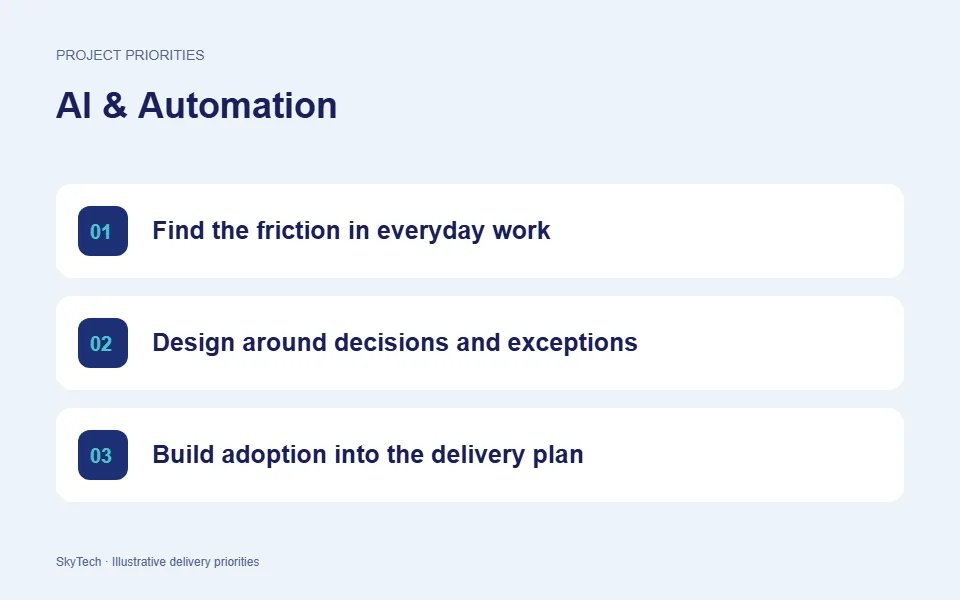
A practical next step: Find the friction in everyday work. Write down the current approach, agree on an owner, and define one outcome the team can review. Keep the first change focused enough that users can explain what improved and what still needs attention.
SkyTech Insight“A useful ai & automation foundation is one your teams can understand, use consistently, and improve as the business changes.”
Design around the process
Separate the repeatable steps from the decisions that require judgment. Give every request a defined status, a responsible team, and an escalation route. Automation can collect information and route tasks while reviewers remain accountable for exceptions. The workflow should be understandable even when the automated component is unavailable.
A practical next step: Design around decisions and exceptions. Write down the current approach, agree on an owner, and define one outcome the team can review. Keep the first change focused enough that users can explain what improved and what still needs attention.

Build for adoption from day one
Ask users to try the workflow before rollout. Provide examples of ordinary requests and difficult exceptions, then measure completion time, rework, and support needs. Review the pilot with the people who use it daily. A useful system earns trust through predictable behavior and a clear route for correcting mistakes.
A practical next step: Build adoption into the delivery plan. Write down the current approach, agree on an owner, and define one outcome the team can review. Keep the first change focused enough that users can explain what improved and what still needs attention.
A short, silent overview of the key ideas. Use the player controls to replay or show captions.